 Example data
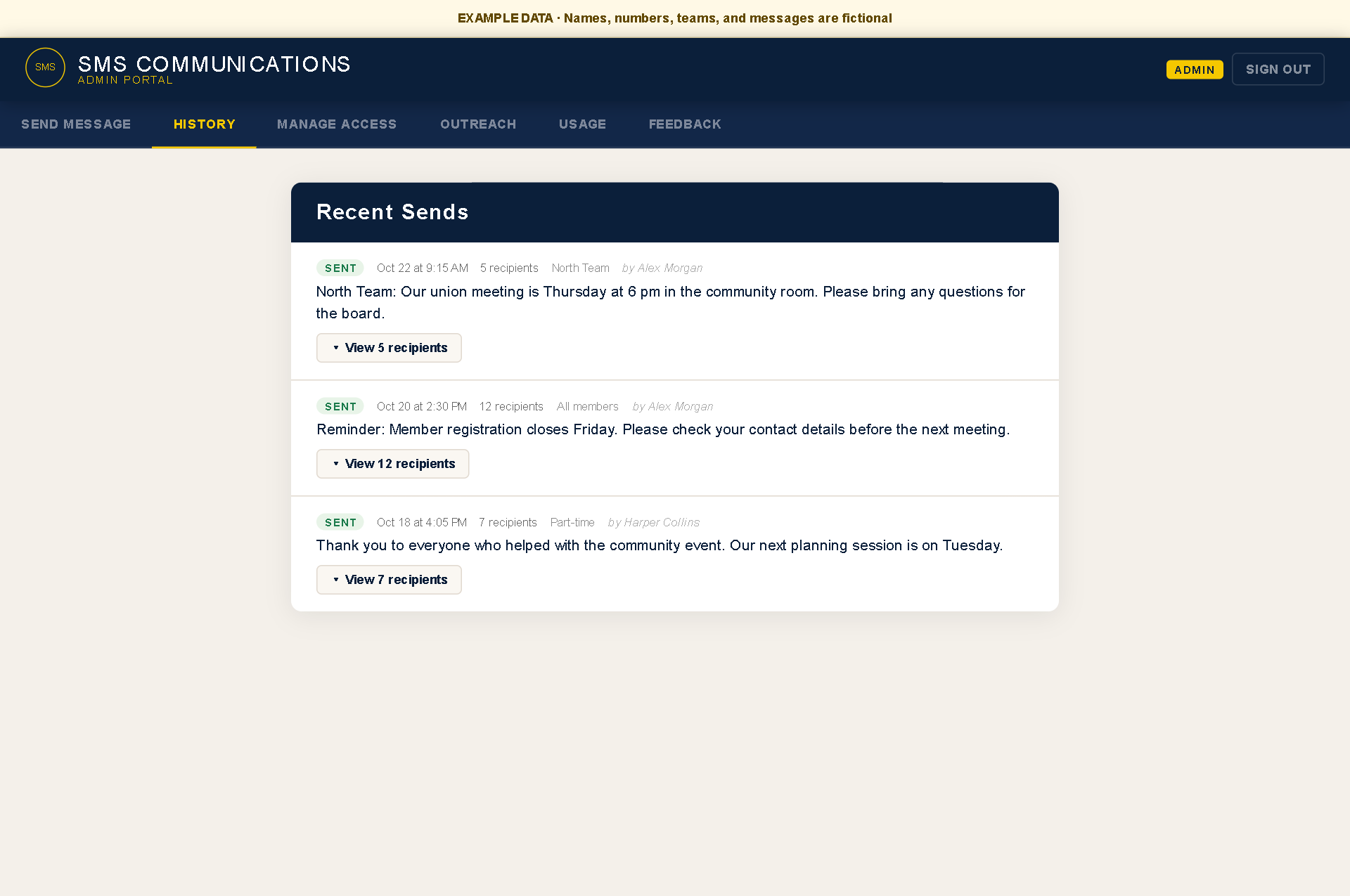
Reach your members with one message.
One message can be sent to all enrolled members or a selected group, with higher open and response rates than the previous approach.
Field Automations
I'm Pat. I build software and automation that connect field crews with the office, so updates get recorded and the right people know what needs doing.
When information gets lost between the crew and the office, I'd like to help you find a practical way forward.
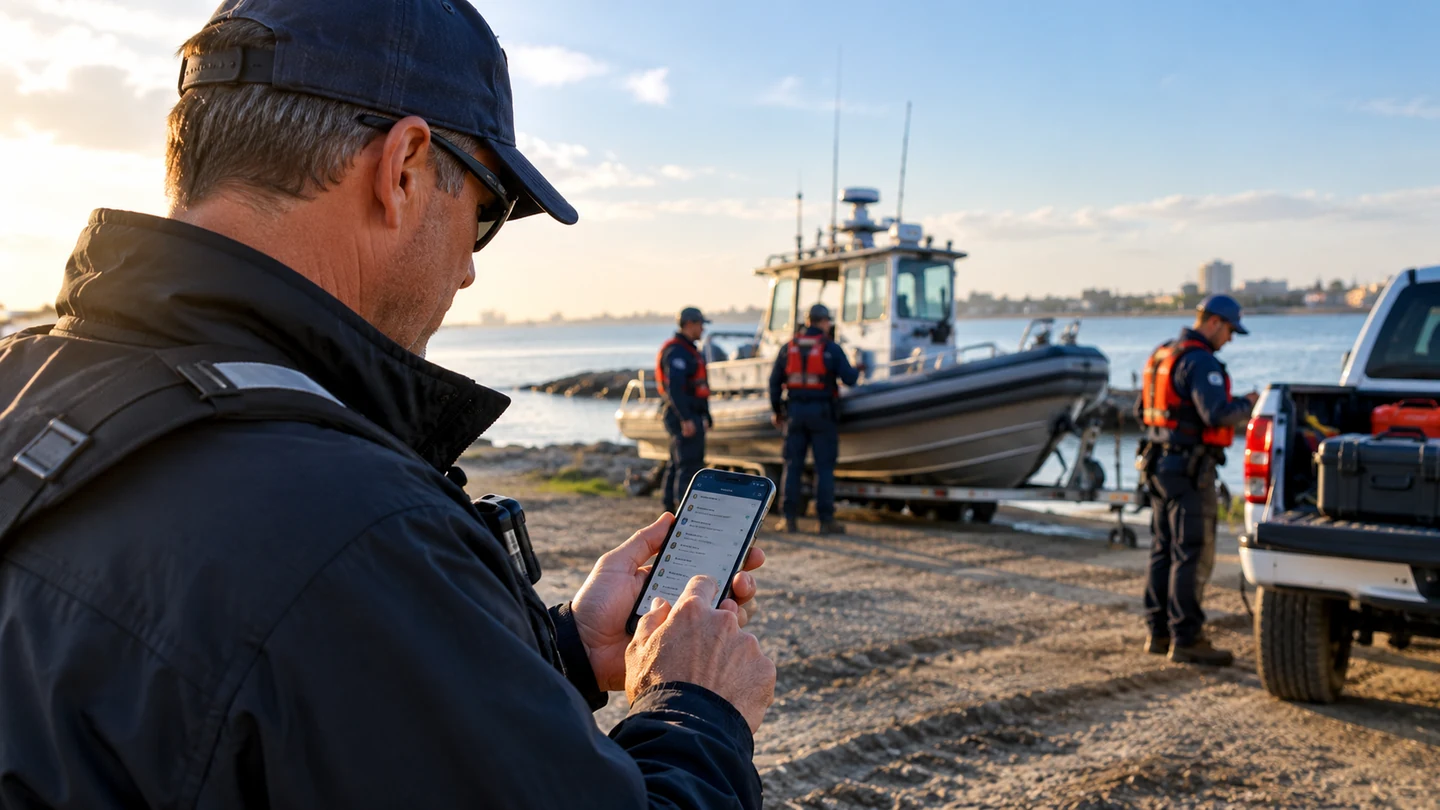
You've put processes in place. You've bought the software. But you're still forwarding updates, checking whether someone followed through, or piecing information together to answer a simple question.
I look at how updates, photos, time records, and requests move between the field and the office, then build the connections or missing pieces that make the work easier to manage.
Some of these systems are in everyday use. Others are working demonstrations of what's possible. Each started with a specific problem.
Example data
One message can be sent to all enrolled members or a selected group, with higher open and response rates than the previous approach.
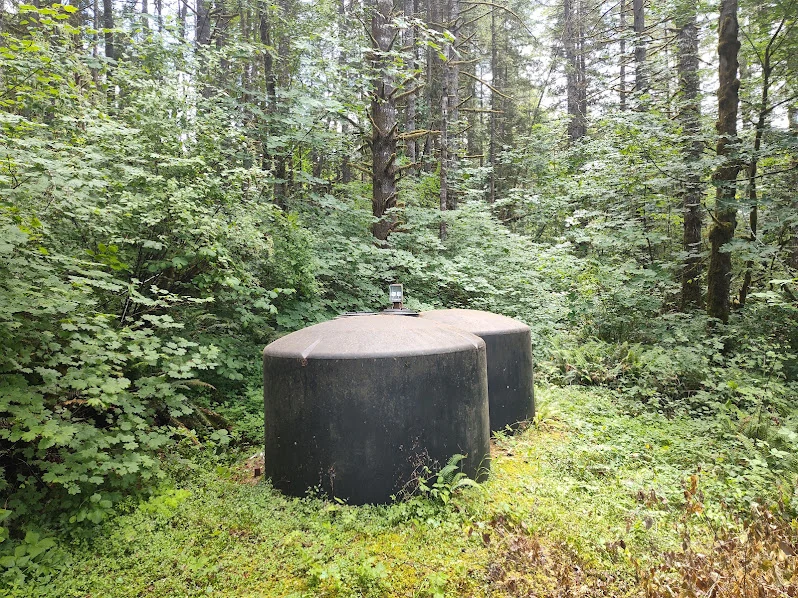 Actual installation
Water-level alerts repeat until someone acknowledges them. Scheduled camera images give a remote view, with a check for missing snapshots.
 Example data
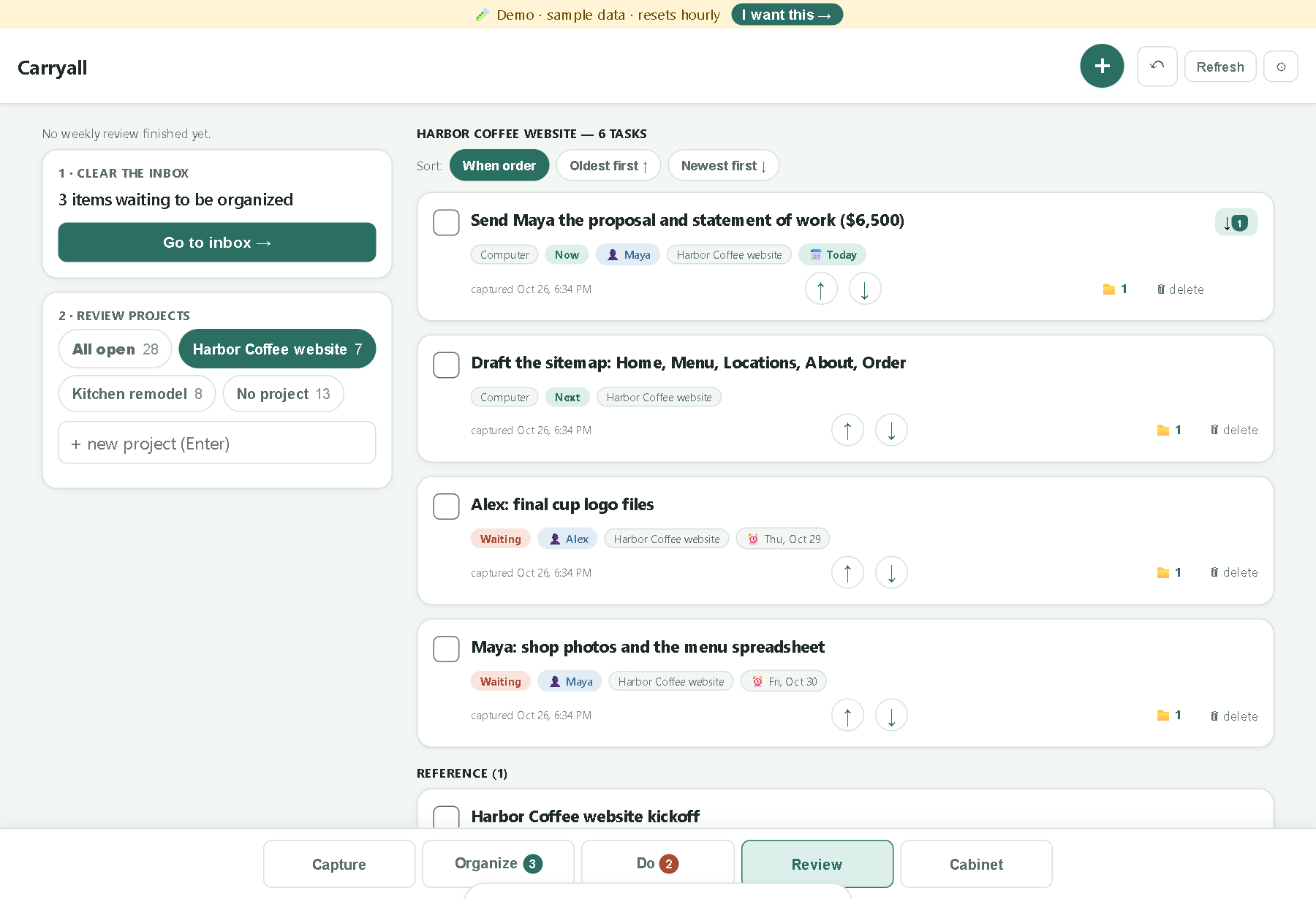
A working productivity system for capturing information, organizing next actions, and reviewing open work. Used daily, with a public demo to explore.
Walk me through how you handle it today: who's involved, what tools you use, and where things slow down.
We'll look at what's worth keeping and what needs to change. That might mean connecting existing tools, simplifying a handoff, or building something specific.
If there's a useful project there, we'll agree on the scope, cost, and next steps before work begins.
A useful system needs to fit the people doing the work. These are the questions I work through when designing it:
Getting Things Done has shaped how I think about work. I build around a simple loop:
Carryall is one example: a working productivity system I use daily to capture information, organize next actions, and review my work.
Tell me a little about your business and where the work gets tangled. You don't need a technical brief or a fully formed solution. A few sentences is a good place to start.